
Talk to Team
Connect the agent to Zoho SalesIQ live chat
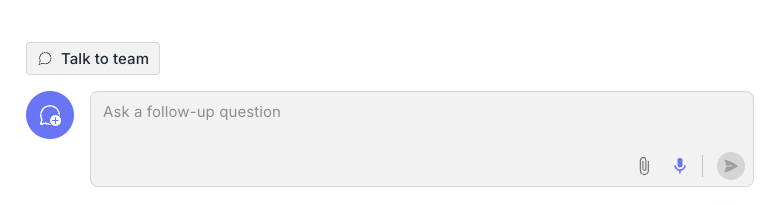
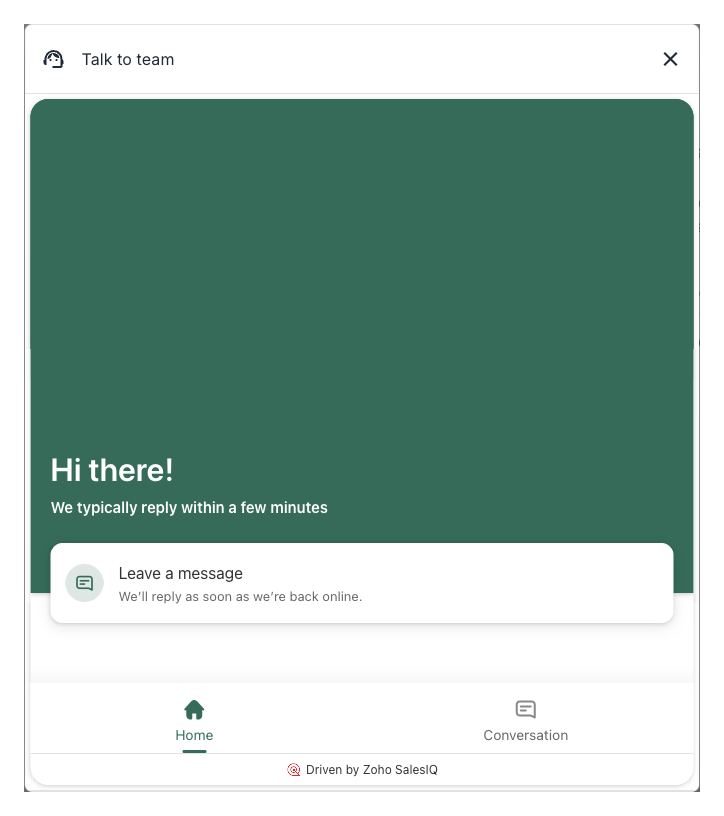
The Zoho SalesIQ option adds a button to the conversation that opens your Zoho SalesIQ live chat. The user talks to your team in Zoho, and your Zoho agents see what the user already discussed with the AI agent.
What your team receives
Rapidflare sends two custom visitor details to the chat. Your Zoho agents see them in the pane beside the chat window:
- AI Chat Summary. A short summary of the conversation with the AI agent.
- AI Conversation URL. A link to the full conversation in the Rapidflare dashboard. Opening it needs access to your dashboard.
What we need from you
- The SalesIQ widget embed URL. It starts with
https://salesiq.zohopublic.and ends with/widget?wc=followed by your widget code. - The button label.
Then contact us to set it up.