
Talk to Team
Let users create a support ticket from the agent
The support ticket option lets a user raise a ticket from the conversation. Rapidflare writes the ticket title and summary from the conversation, the user reviews and edits them, and Rapidflare creates the ticket in your Salesforce or HubSpot account.
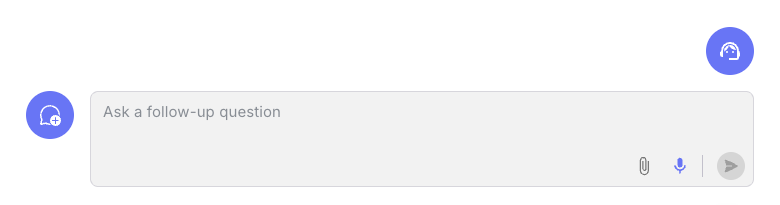
How a user creates a ticket
Enter details. The user confirms their name, email and company.
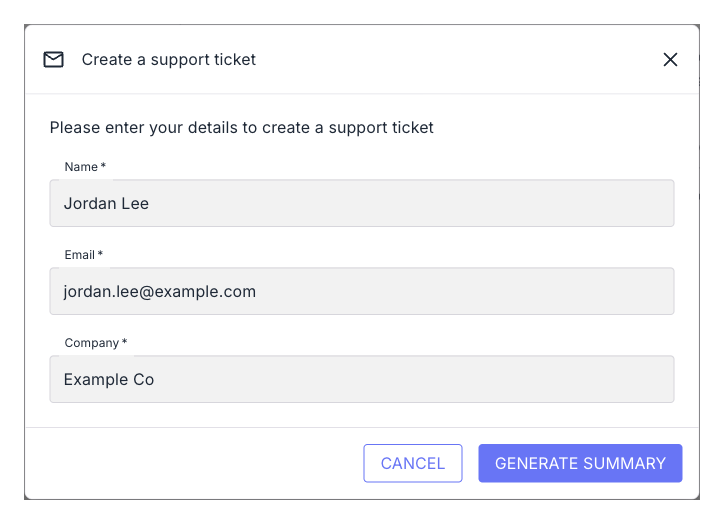
Step 1: the user's details. Review the summary. Rapidflare fills in a title and summary from the conversation. The user can edit both, then submits the ticket.
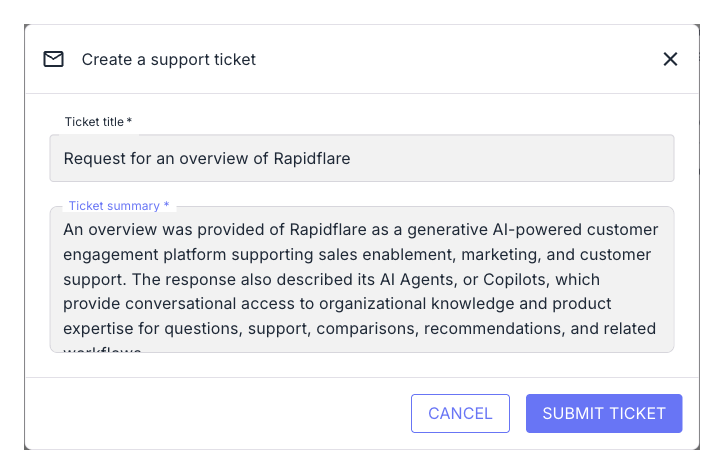
Step 2: the AI-written title and summary. See the confirmation. The user is told the ticket has been created.
Your team receives:
- In Salesforce, a case. The title is the subject. The summary and a link to the full conversation are in the description, and the user's name, email and company are filled in.
- In HubSpot, a ticket. The title is the subject, and the summary and a link to the full conversation are the content. Rapidflare matches or creates the contact and the company.
What we need from you
- Whether tickets go to Salesforce or HubSpot.
- Access to that account, so that Rapidflare can create tickets. We walk you through connecting it.
Then contact us to set it up.