
Security of the web widget
You use a publishable API key to connect the widget to Rapidflare. The key is safe to include in your page code because it only works on the domains you allow and every request is checked for bots. Create and manage keys in Hubs » Configure » Security; every publishable key needs at least one allowed domain. See API keys for the full dashboard guide.
We use Google reCAPTCHA Enterprise to help protect your key. Google's terms of service and privacy policy apply.

| Scenario | Will API key work? |
|---|---|
| Request coming from spam / bot / known bad IP address | No ❌ |
| Request coming from non allow-listed domain | No ❌ |
| Request not from a real browser | No ❌ |
| Request initiated by a human and coming from allow-listed domain | Yes ✅ |
What your visitors see
- Nothing, almost always. Visitors are scored invisibly.
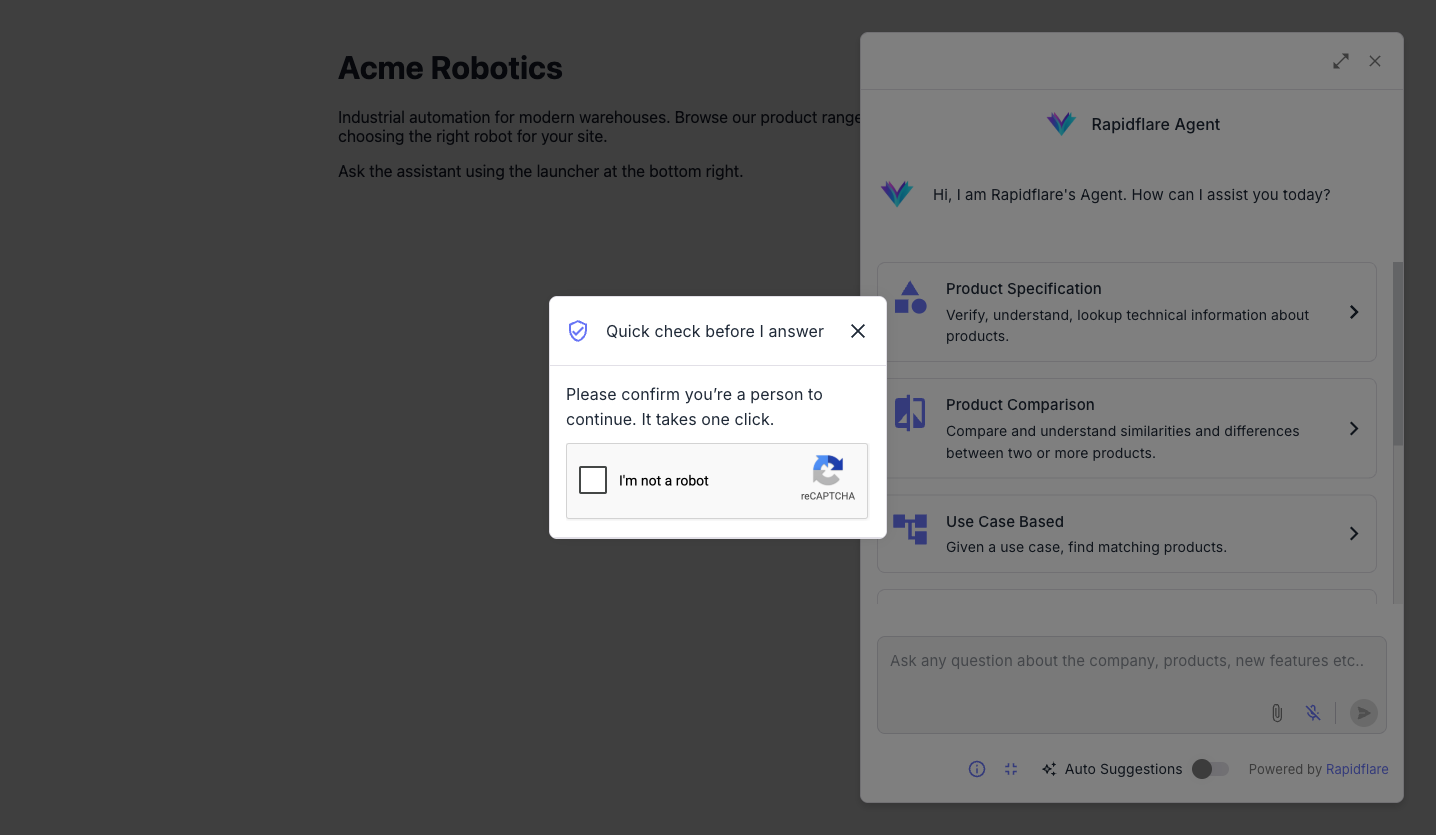
- A one-click checkbox, rarely. If a visitor's score is too low and the key's Show a challenge switch is on, a small "Quick check before I answer" window shows Google's checkbox. After the visitor solves it, their request goes through. If the switch is off, the request is refused.
Content Security Policy
If your site sets a Content-Security-Policy, allow https://www.google.com, https://www.gstatic.com and https://www.recaptcha.net in both script-src and frame-src. Without them the widget cannot run its check, shows an error screen instead of the conversation, and calls your onError callback with a code of rf-recaptcha-blocked-by-content-security-policy or rf-recaptcha-script-unavailable. For a policy block, details.blockedUrl and details.violatedDirective tell you what to allow.